Starting an online store in Pakistan no longer needs a developer or a big budget. If you sell clothes from home, run a small shop, or want to sell digital products like courses and templates, you can create an online store free and be live in an afternoon. This guide walks through every step.
Step 1: Choose a free online store builder
Most store builders give you a free trial and then charge every month. Before you pick one, check four things:
Is it really free after the trial?
Read the pricing page, not the homepage. "Free" often means 14 days, a few products, or ads on your store.
Who owns your data?
If the platform closes your account, can you keep your products and orders? Look for a builder that runs in an account you control.
Can it take payments in PKR?
You need local options for Pakistani buyers, and card or PayPal payments for buyers abroad.
Does it work well on phones?
Most Pakistani shoppers buy from a phone. Open a demo store on your phone before you decide.
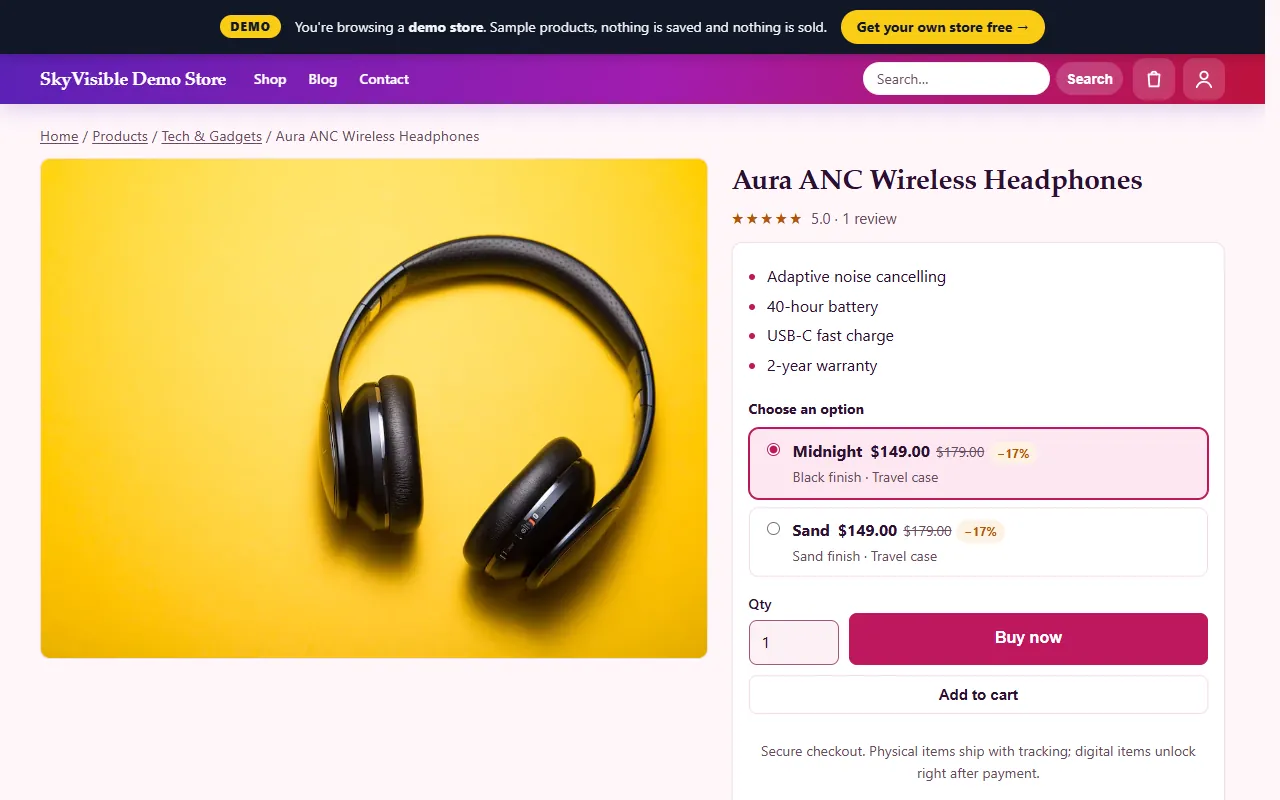
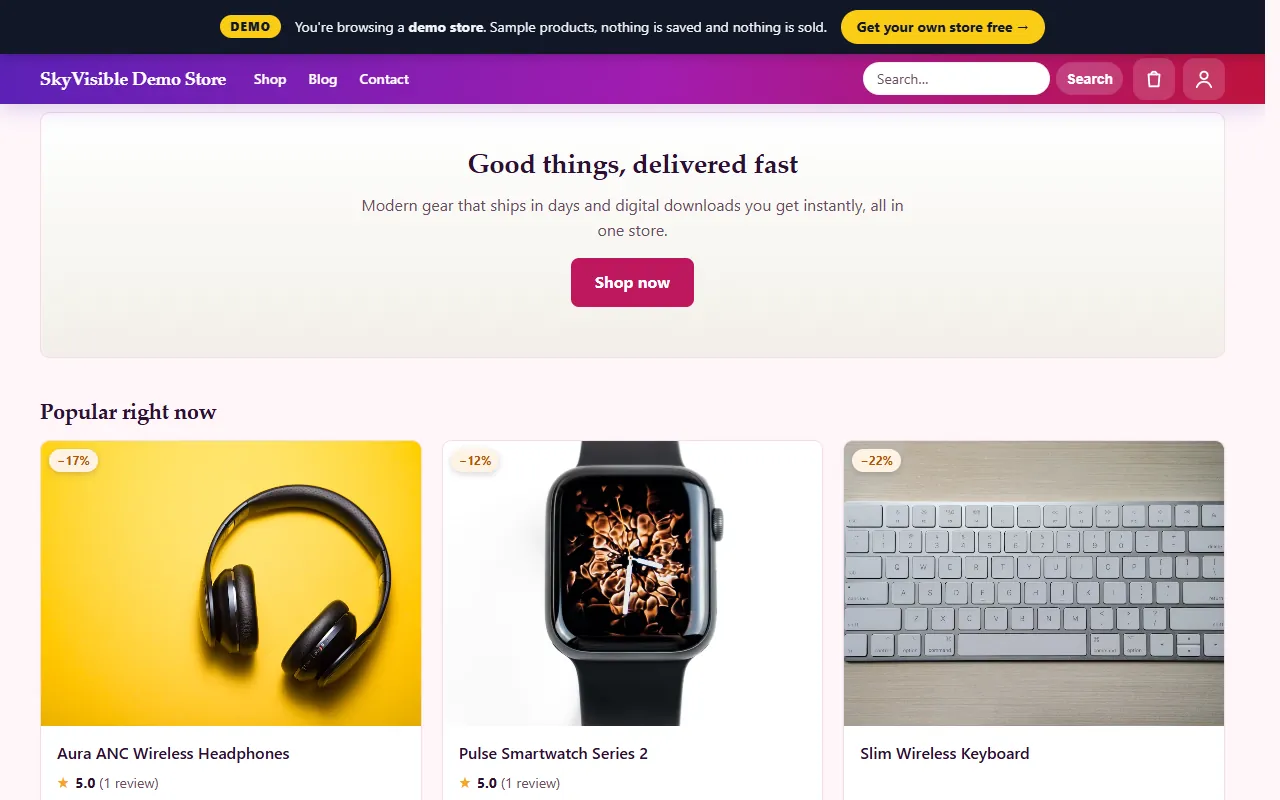
[ShopOS](/product/free-online-store-builder) is a free online store builder that ticks all four: hosting is free on your own Cloudflare account, products are unlimited, the store is mobile-first, and the data stays yours. You can try the live demo first.
Step 2: Set up your free ecommerce website
- Tap Deploy free on the ShopOS page and sign in.
- Enter your store name, mobile and WhatsApp number.
- Connect your free Cloudflare account with one click.
- Your store is live. Sign in to the admin with the details you receive.
Step 3: Add your products
Physical products
Add clear photos, the price in PKR, sizes or colours as options, and a delivery time ("Ships in 2–3 days").
Digital products
Courses, e-books, templates and presets unlock on the buyer's order page right after payment, so there is nothing to ship.
Step 4: Take payments
Turn on card and PayPal payments for international buyers. For local wallets, ShopOS lets you add any payment provider with its own code, and you can also accept bank transfer or cash on delivery as a manual method.
Step 5: Delivery and order updates
Write your delivery areas and times on each product. Every order gets its own page where the buyer can track it, and you see every order in one admin.
Step 6: Get your first customers
- Share your store link on WhatsApp, Facebook and Instagram.
- Add a few honest product reviews from your first buyers.
- Write one helpful article a month about what you sell; it brings visitors from Google for free.
Free online store in Pakistan: quick checklist
- Free online store builder with free hosting
- Products, prices in PKR, delivery times
- Payments set up and tested
- Store opened and checked on a phone
- Link shared with your first customers